

Laptop prices in Kenya by use case start at Ksh 11,000 for basic student browsing and typing, Ksh 24,000–33,000 for business and office work, Ksh 44,000–84,000 for content creation and engineering workstations with a dedicated GPU, and Ksh 79,000–124,000 for gaming laptops with RTX graphics.
Popular Posts
Trending Posts
Recent Posts
Editors Choice

Laptop
Best Available Laptop Prices in Kenya: By Use Case & Features
Best available laptop prices in Kenya currently run from Ksh 15,000 (Celeron/entry laptops) to Ksh 125,000+ (MacBook Pro M1, gaming laptops). Core i5 laptops cost Ksh 19,000–40,000, Core i7 machines cost Ksh 26,000–70,000, and workstation or Core i9 laptops with a dedicated GPU start around Ksh 44,000 and climb from there.
Laptop
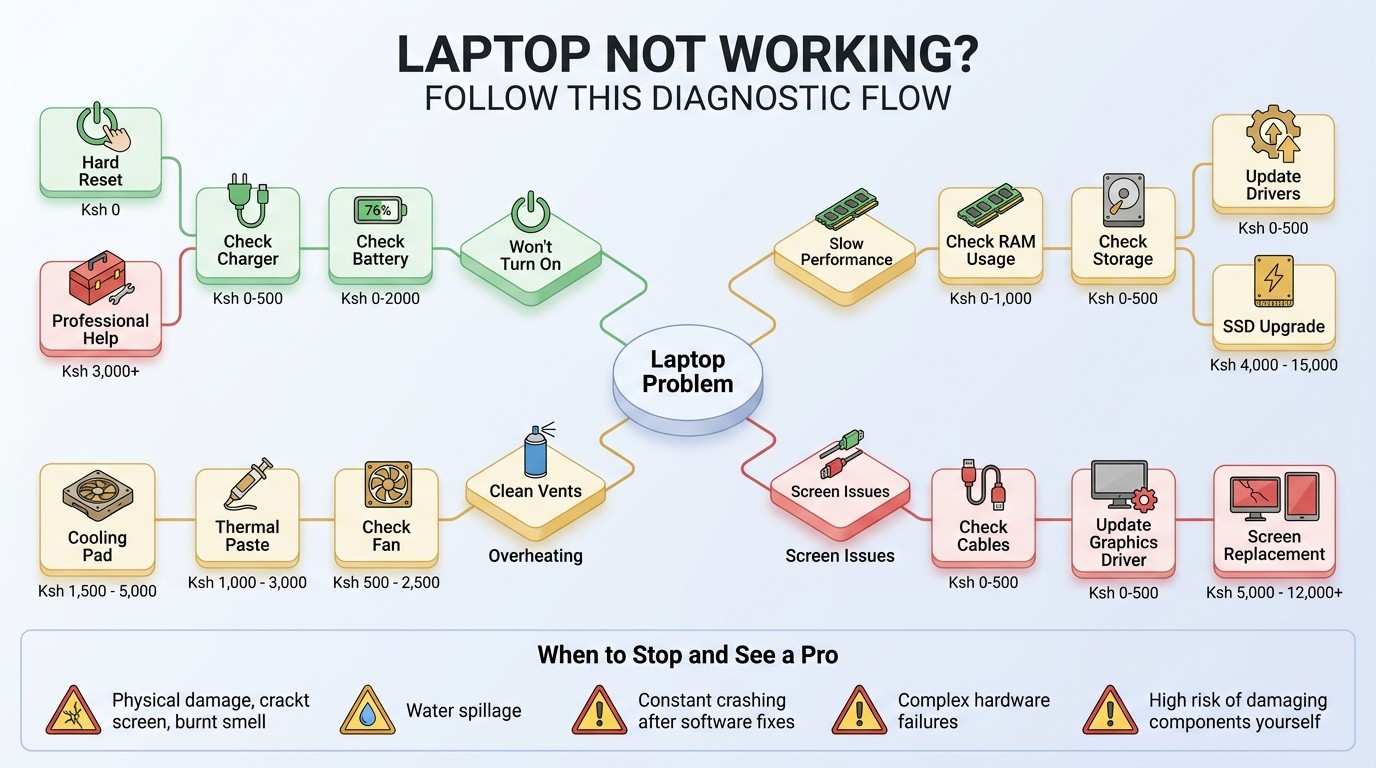
Best Laptop Troubleshooting Guide for Popular Models
This laptop troubleshooting guide for popular models covers the exact problems owners of HP, Lenovo, Dell, and MacBook laptops run into in Kenya — and the fixes that actually work, with honest repair costs.
Laptop
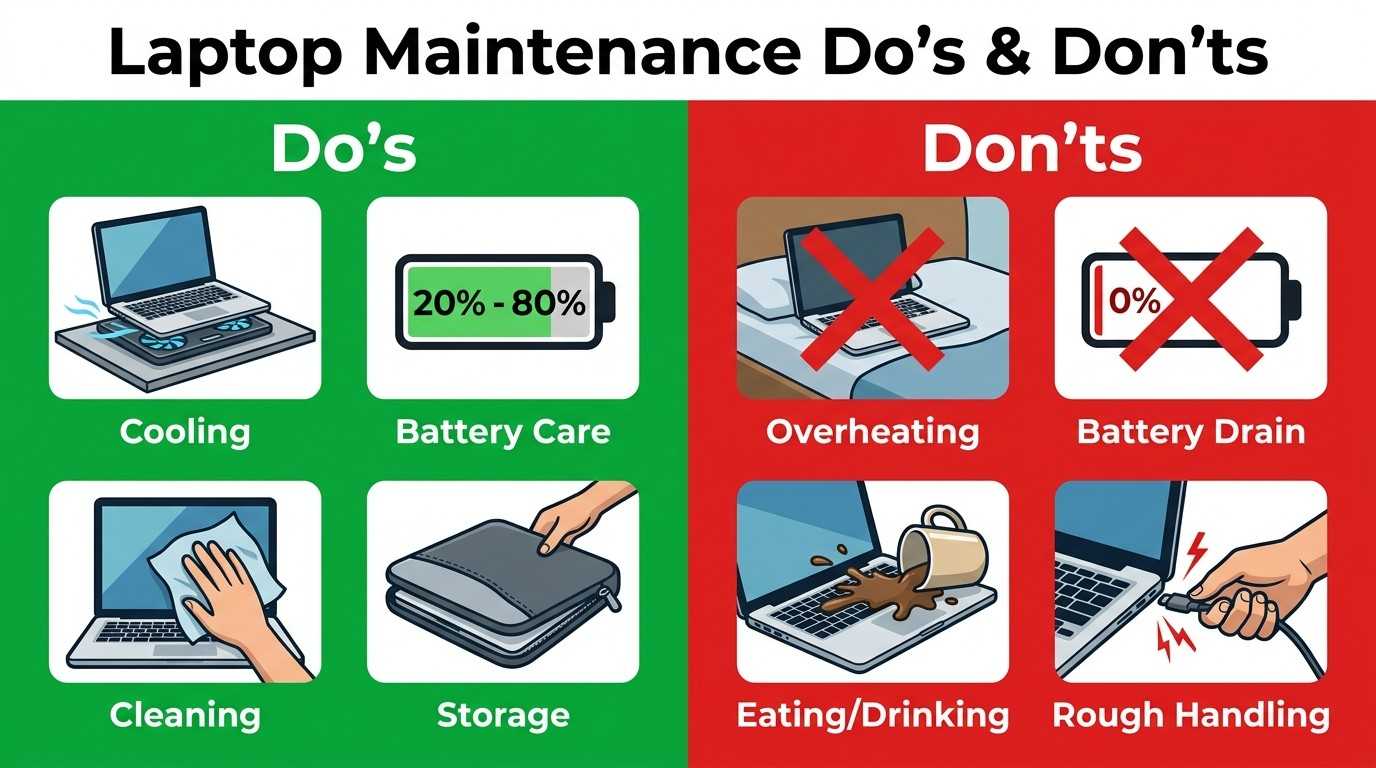
Laptop Maintenance Guide: How to Prevent Problems
A complete laptop maintenance guide covering cleaning, cooling, battery care, storage, travel, and the exact schedule that keeps a laptop running for years.
Laptop
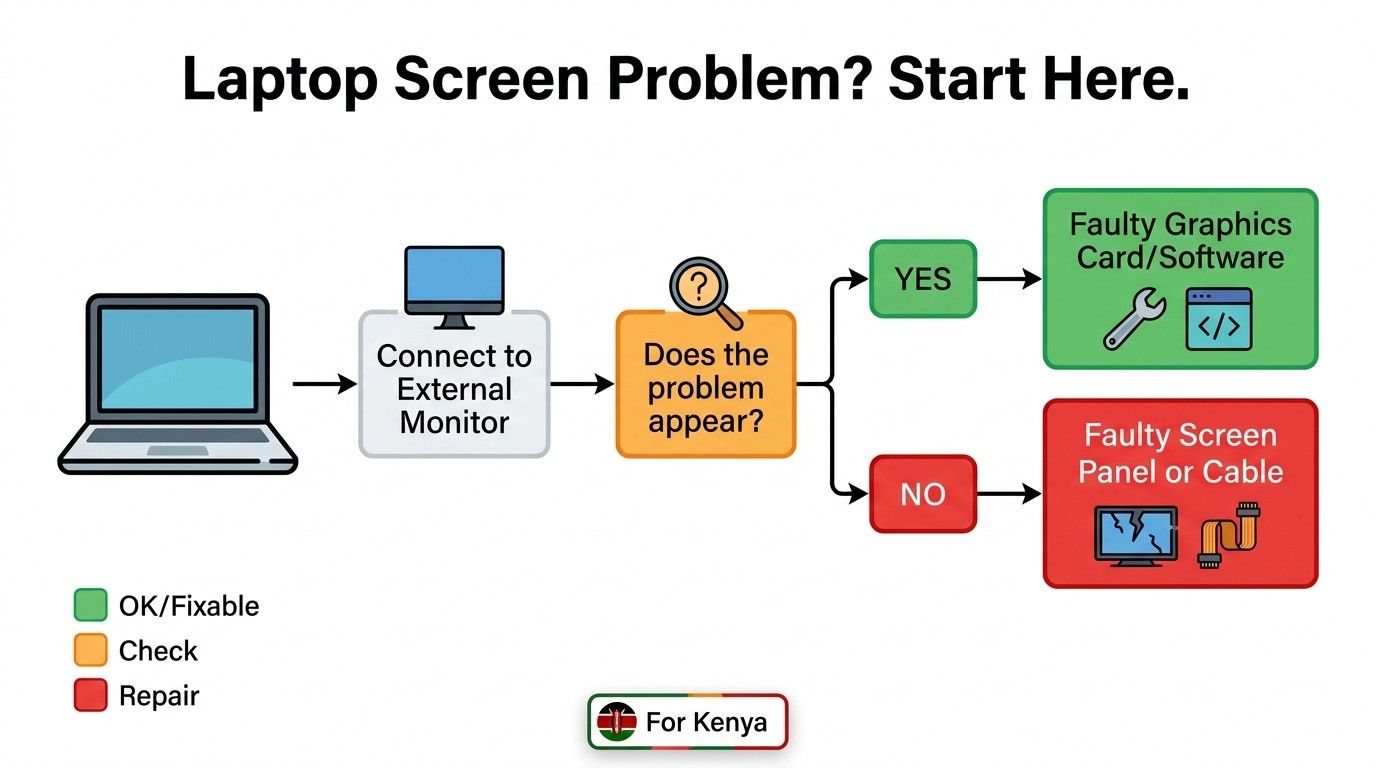
Laptop Screen Problems: Complete Troubleshooting Guide
Discover the causes of laptop screen problems – everything from flickering and black screens to dead pixels and replacement costs — explained in plain English, with real fixes you can try today.
Laptop
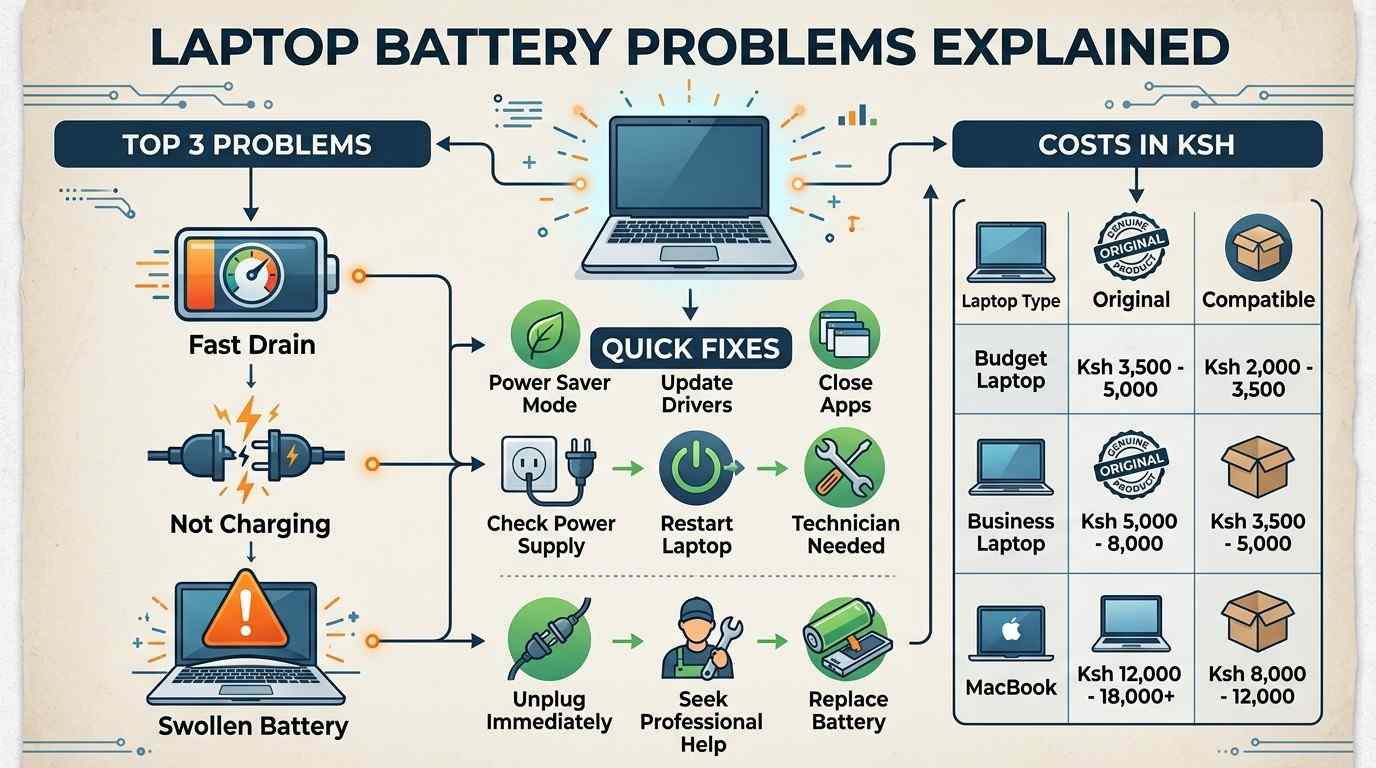
Laptop Battery Problems Explained: Fixes and Buying Advice
Laptop battery problems can turn a fast, reliable machine into one that dies the moment it leaves the wall socket, and almost every case has a clear cause and a real fix. This guide walks through every common battery problem, in plain English, with Ksh prices for Kenya.
Laptop
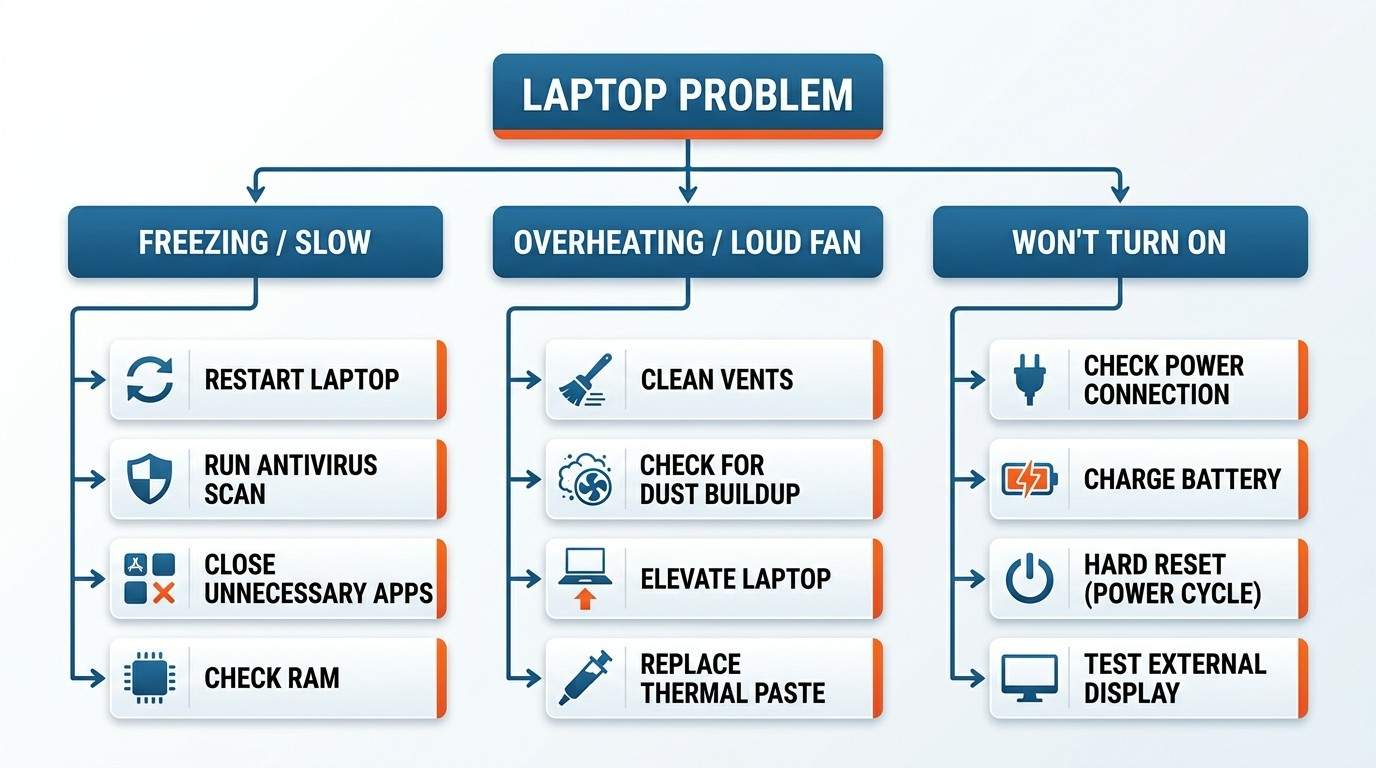
Common Laptop Problems and How to Fix Them
Knowing common laptop problems and how to fix them usually boils down to five root causes: too little RAM or storage, dust build-up and overheating, outdated drivers or software, a weak or old battery, and power surges. Cleaning the vents, freeing up space, updating drivers, and upgrading to an SSD solve most issues without a repair shop visit.
Laptop
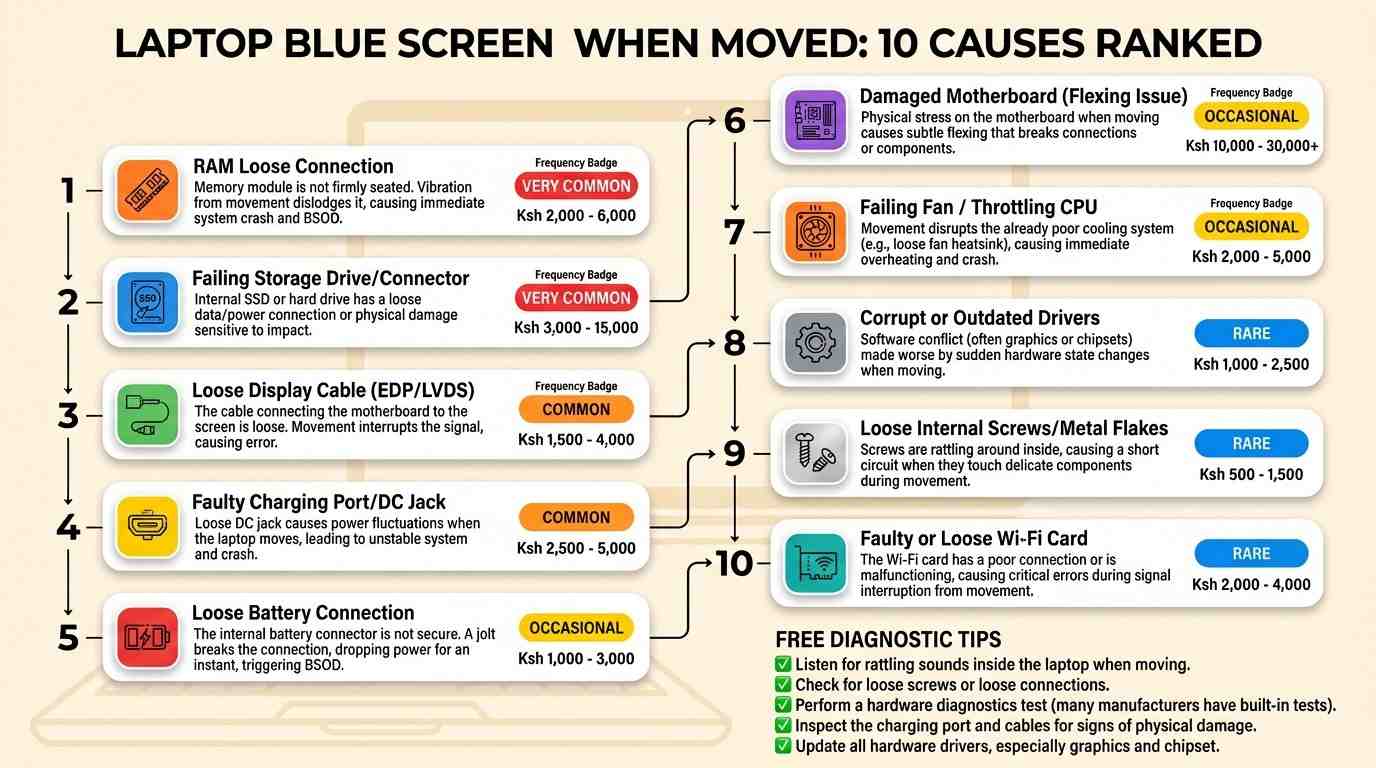
Laptop Shows Blue Screen and Restarts When Moved
A laptop that shows a blue screen and restarts when moved almost always has a loose internal connection. The most common culprits are a loose RAM stick, a shifting SSD or hard drive, a worn display cable, or a loose charging port. Reseating the RAM fixes the problem in most cases and costs nothing to try at home.
Laptop
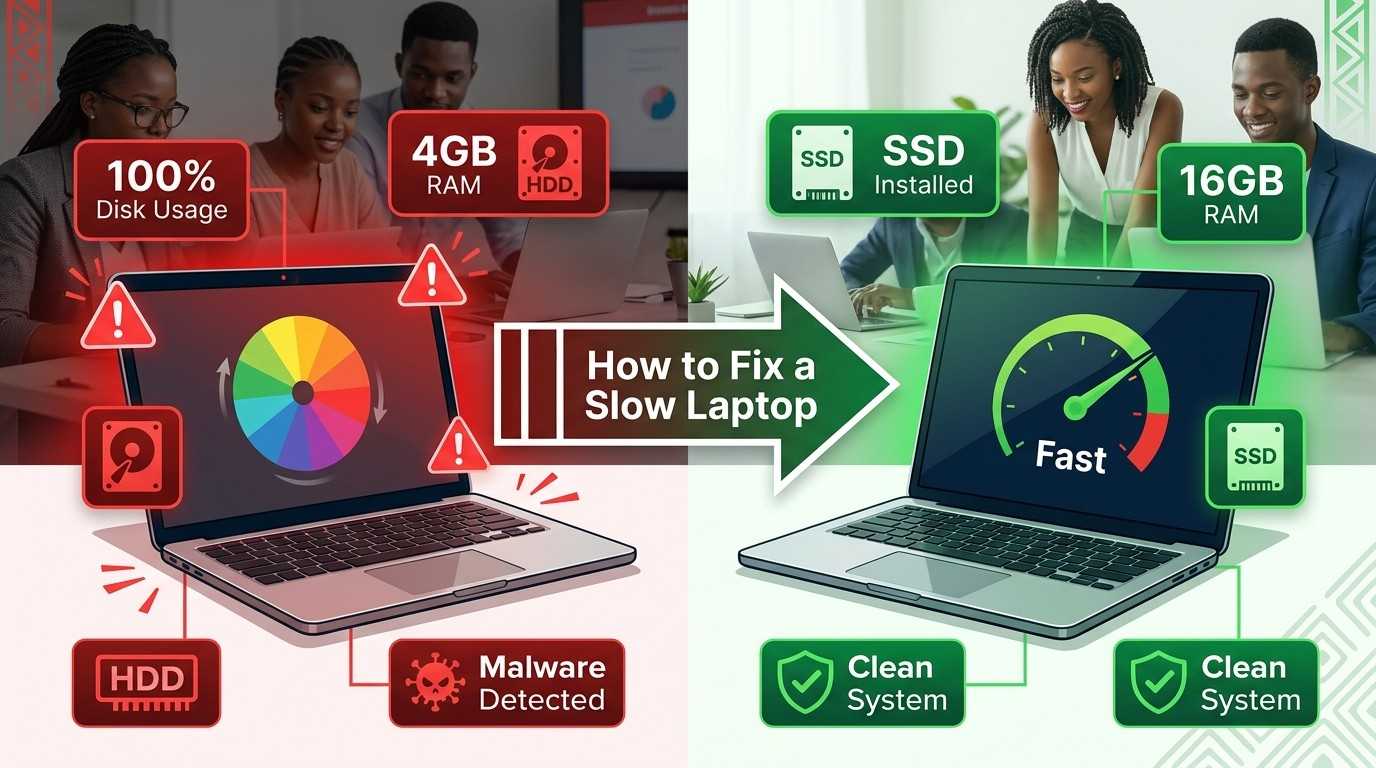
How to Fix a Slow Laptop: Complete Performance Guide
To fix a slow laptop, close background apps, clear temporary files, disable unused startup programs, run a malware scan, and free up disk space. Update Windows and your drivers, then check Task Manager for high CPU, memory, or disk use. If it is still slow, add more RAM or switch to an SSD.
Laptop
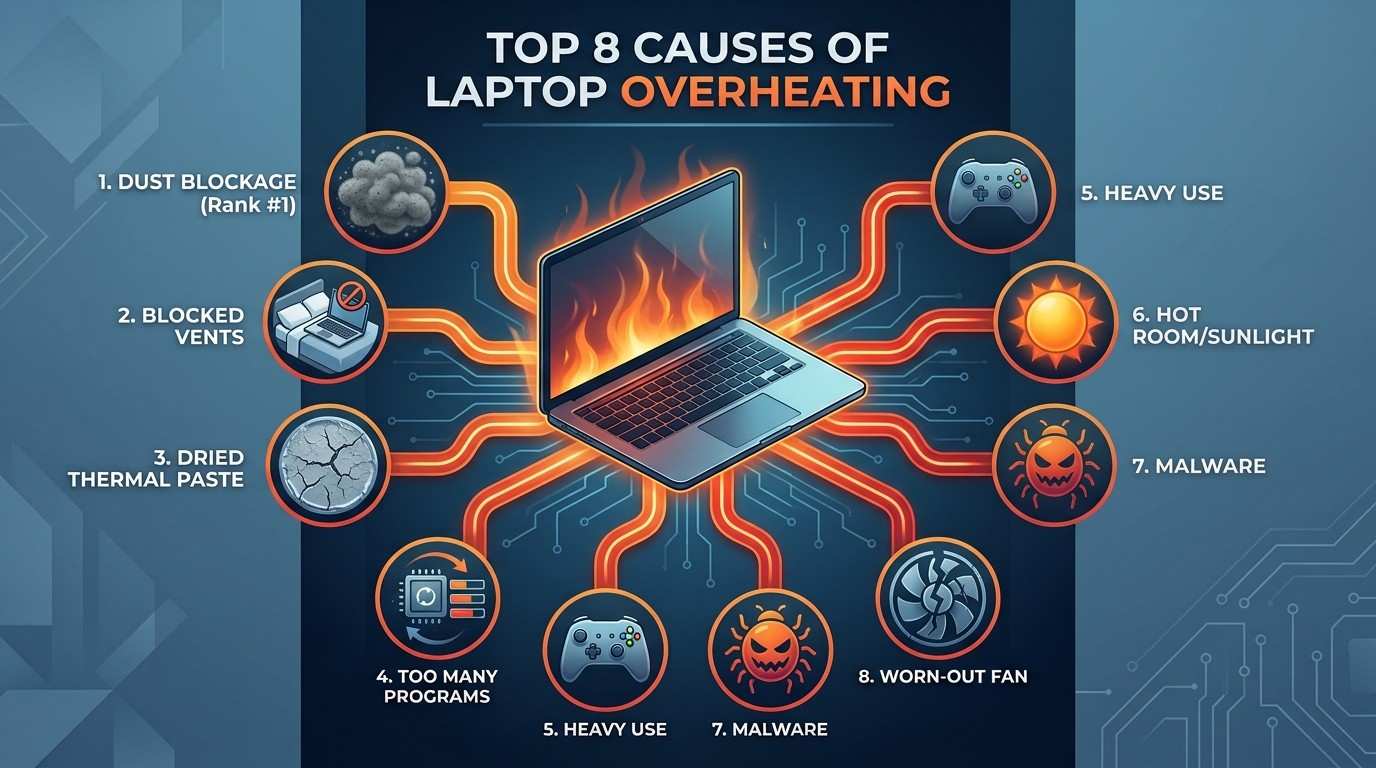
Laptop Overheating: Popular Causes, Fixes and Prevention
Laptop overheating happens when dust blocks the fan, vents get covered, thermal paste dries out, or the processor works too hard for too long. Fix it by cleaning the vents, using a hard flat surface, closing extra programs, adding a cooling pad, and replacing old thermal paste if the laptop is several years old.